What is Promptimize AI?
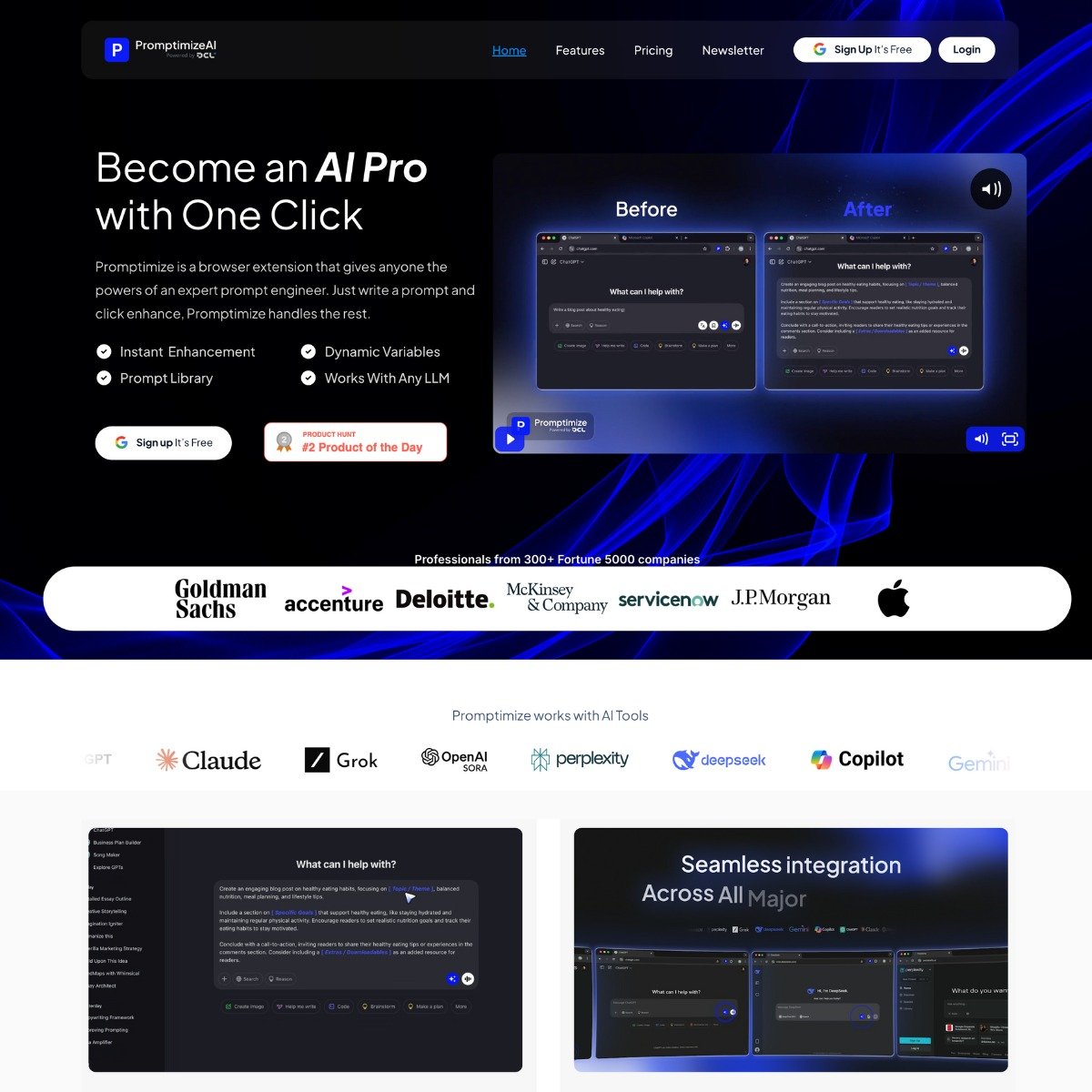
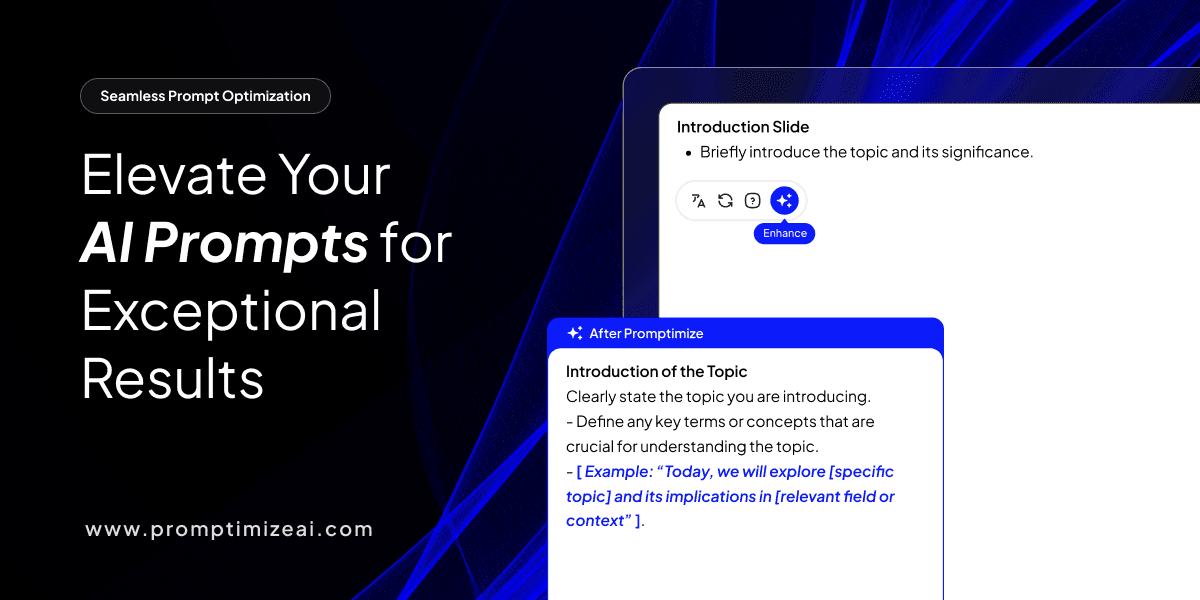
Promptimize is a browser extension that helps you write better prompts for AI tools like ChatGPT, Claude, and Gemini. It rewrites and improves your AI prompts on the fly. You type your original prompt, hit “enhance,” and it rewrites it with better structure and clarity. You don’t need to learn prompt engineering if the tool does it for you. You can also save your favorite prompts, add dynamic variables, and keep things consistent across your team. It works directly inside the AI tool you’re already using. It works across major AI platforms (OpenAI, Anthropic, Google’s models) and plugs directly into the text boxes you’re already using. No switching tabs, no copy-pasting between apps. You write a rough idea, hit “enhance,” and Promptimize transforms it into something more detailed and presumably more effective. The free plan gives you 10 enhanced prompts per day. That’s probably fine if you’re dabbling with AI occasionally, but it won’t cut it if you’re running workflows that depend on constant prompt tweaking. The Pro plan ($12/month) removes that cap and throws in priority support. There’s also a prompt library where you can save templates. If you find yourself reusing certain structures (say, formatting outputs as JSON or asking for summaries in a specific tone), you can store those and call them up whenever you need them. The custom variables feature is worth noting too. You can create placeholders like [BRANDTONE] or [TARGETAUDIENCE] and swap them in across multiple prompts. This is useful if you’re managing prompts for a team or want to keep messaging consistent without rewriting everything from scratch. One thing I noticed: the tool offers both local and cloud processing. Local processing keeps everything on your device, which matters if you’re working with sensitive information. Cloud processing presumably gives you better enhancements (since it can tap into more compute), but you’re trading convenience for data handling. They claim GDPR compliance and encryption, but if privacy is non-negotiable, stick with the local option. The Enterprise plan exists for bigger teams and includes things like custom prompt libraries, departmental prompts, and dedicated support. Pricing is custom, which usually means “expensive. ” That tier is clearly targeting companies that want to standardize how employees use AI, but whether that’s worth the cost depends on how much value you place on prompt consistency across a large org. Note: the tool won’t magically fix vague ideas. If your initial prompt is too broad or unclear, the enhanced version will still reflect that underlying confusion. Who’s this for? Marketers, content creators, or business owners who use AI regularly but don’t want to become prompt engineers. If you’re already comfortable writing detailed prompts, this might feel like overkill. But if you’re the type who writes “give me a blog post about marketing” and wonders why the output is generic, Promptimize could help bridge that gap.
Key Features
- One-click prompt enhancement directly in AI platform text fields
- Works with ChatGPT, Claude, Gemini, and other major LLMs
- Unlimited prompt library for saving and reusing templates
- Custom variables for consistent context across prompts
- Local or cloud processing options for privacy control
- Free plan includes 10 enhanced prompts per day
- Pro plan offers unlimited enhancements and priority support
- Team collaboration features on Enterprise tier
- Browser extension (no separate app required)
- Variable customization for tone, style, language, and other parameters
Pricing
Promptimize AI offers a Freemium pricing model. Visit the official website for detailed pricing information.