What is KaraVideo?
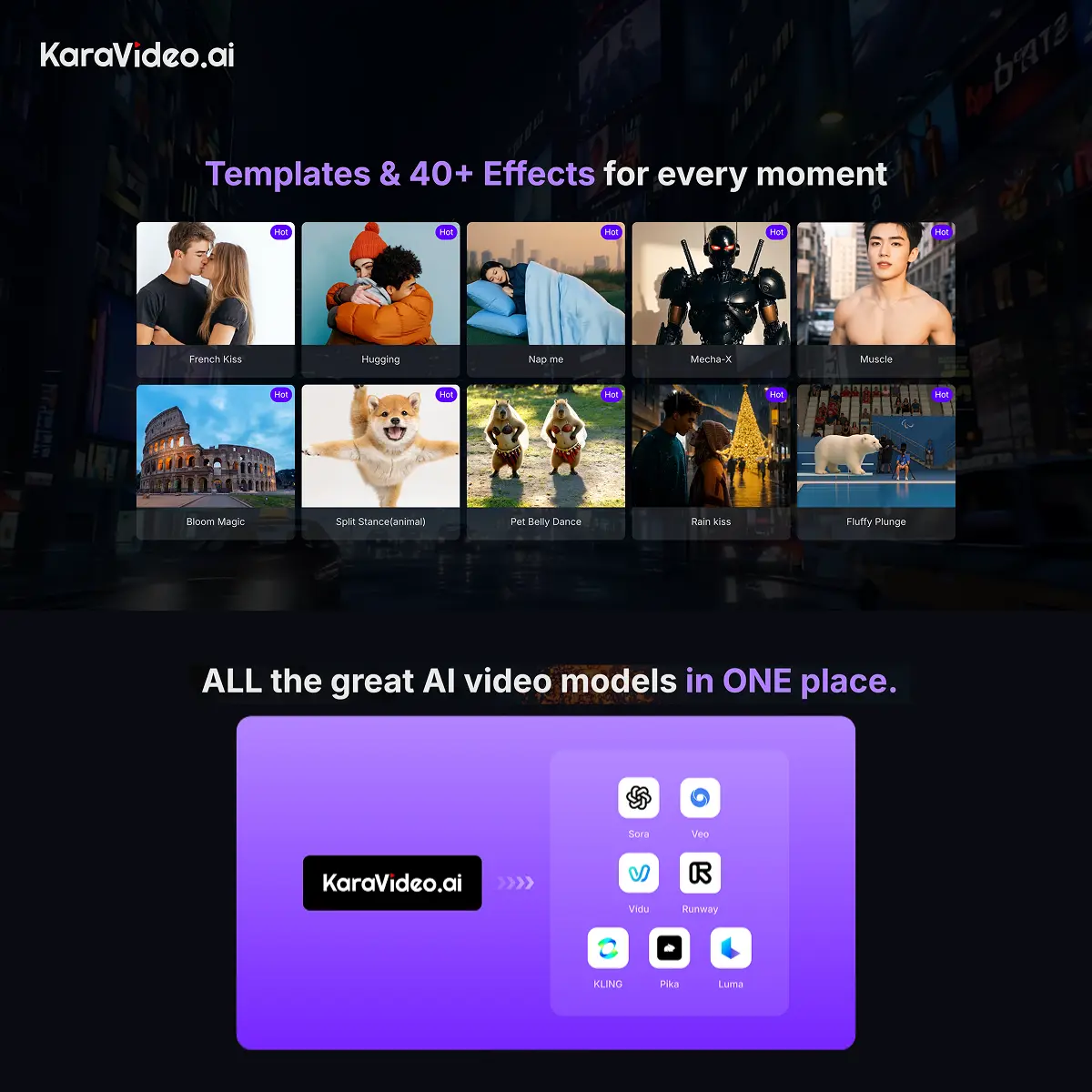
KaraVideo lets you create videos from text, images, or existing footage without jumping between multiple apps or paying for separate subscriptions to each AI model. It’s a a single dashboard that connects Sora, Kling, Veo, Runway, Pika, Luma, and Vidu into one interface with unified credits. The core workflow goes like this: describe what you want, pick which AI engine to use, set your output specs (aspect ratio, duration, quality), and generate. You can compare outputs side by side from different models before downloading. For work that needs character consistency, you can upload reference images and lock the style across shots. If you’re starting with a photo, the system animates it with optional start and end frames to control motion direction. KaraVideo handles the three main types of AI video generation: Text-to-Video: You write a prompt and get a video clip. Image-to-Video: You upload a static image and the AI animates it. A good feature here is the ability to lock the start and end frames, giving you more control over the motion. Video-to-Video: You upload an existing video and apply one of 40+ AI styles (like anime, claymation, or pixel art) to transform its look. Text-to-Video: You write a prompt and get a video clip. Image-to-Video: You upload a static image and the AI animates it. A good feature here is the ability to lock the start and end frames, giving you more control over the motion. Video-to-Video: You upload an existing video and apply one of 40+ AI styles (like anime, claymation, or pixel art) to transform its look. The platform also includes video effects (30+ options like anime styles, face swap, lip sync), quality tools (upscaler, interpolation, stabilizer), and the ability to transform existing footage into different visual styles (Pixar, Claymation, painting, etc. ). If you’re building content across multiple channels or testing how different models handle the same brief, having one dashboard is going to be better than managing logins and credit systems for Sora, Runway, and Pika separately. Teams can see what the latest model releases do the week they ship without waiting for migrations. Finance teams appreciate a single invoice instead of juggling multiple subscriptions. Character work is where this gets useful for IP-driven content, the “Consistent Character” feature. If you’re building a series with a mascot or consistent character, you can keep them on-model across multiple shots and engine switches, which is harder to do when you’re stitching together clips from standalone tools. Give this tool a good look if you’re producing content regularly (social clips, marketing videos, animated shorts) and want to test multiple generation approaches without friction. Solo creators, small studios, and content teams at startups use it for that reason.
Key Features
- Access to seven major AI video models from one dashboard with unified credits
- Text-to-video, image-to-video, and video-to-video transformation modes
- Character consistency through reference image upload and style locking
- 30+ AI video effects including anime styles, face swap, lip sync, and background replacement
- Quality enhancement tools: video upscaler, interpolation, stabilization
- Side-by-side model comparison for the same prompt
- Preset output options for social media platforms (aspect ratios and formats)
- One-click generation with adjustable negative prompts and style parameters
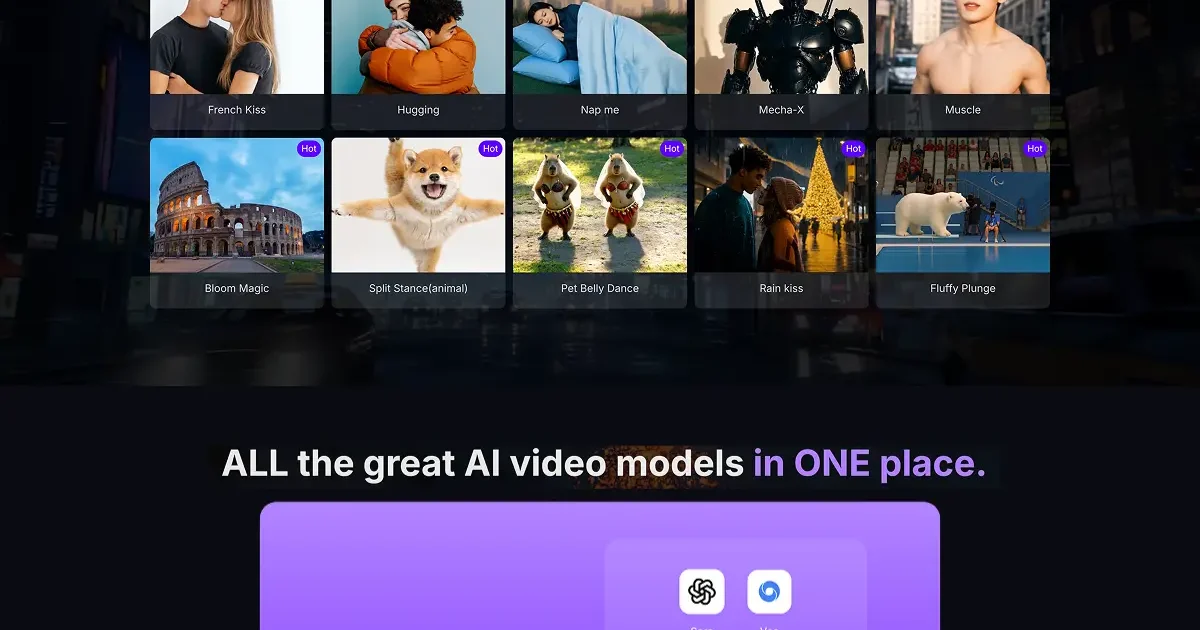
- Video effect library with actions like inflate, French kiss, hug, and background swap
- Automatic access to newly released models the week they launch
Pricing
KaraVideo offers a Freemium pricing model. Visit the official website for detailed pricing information.