What is Luminar NEO?
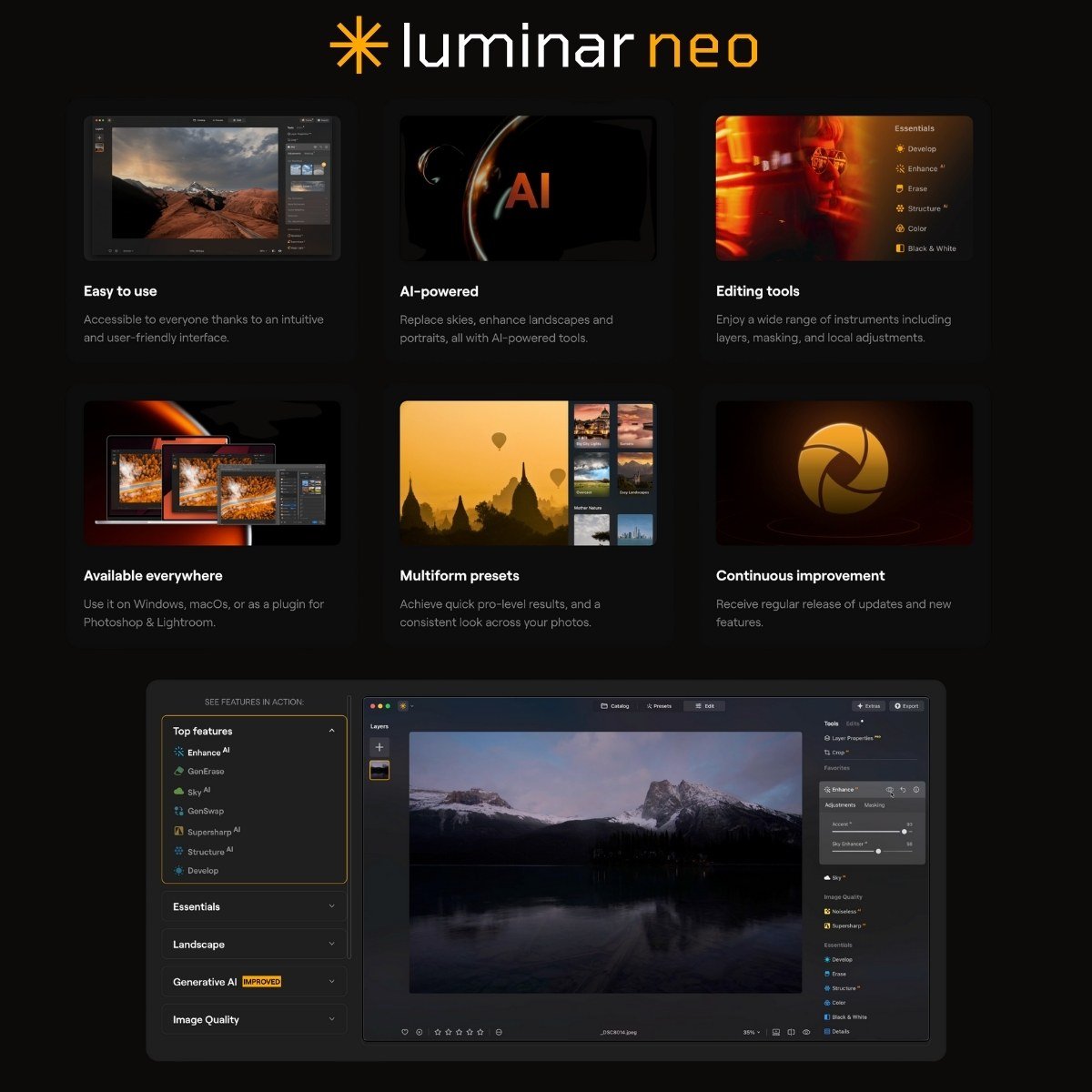
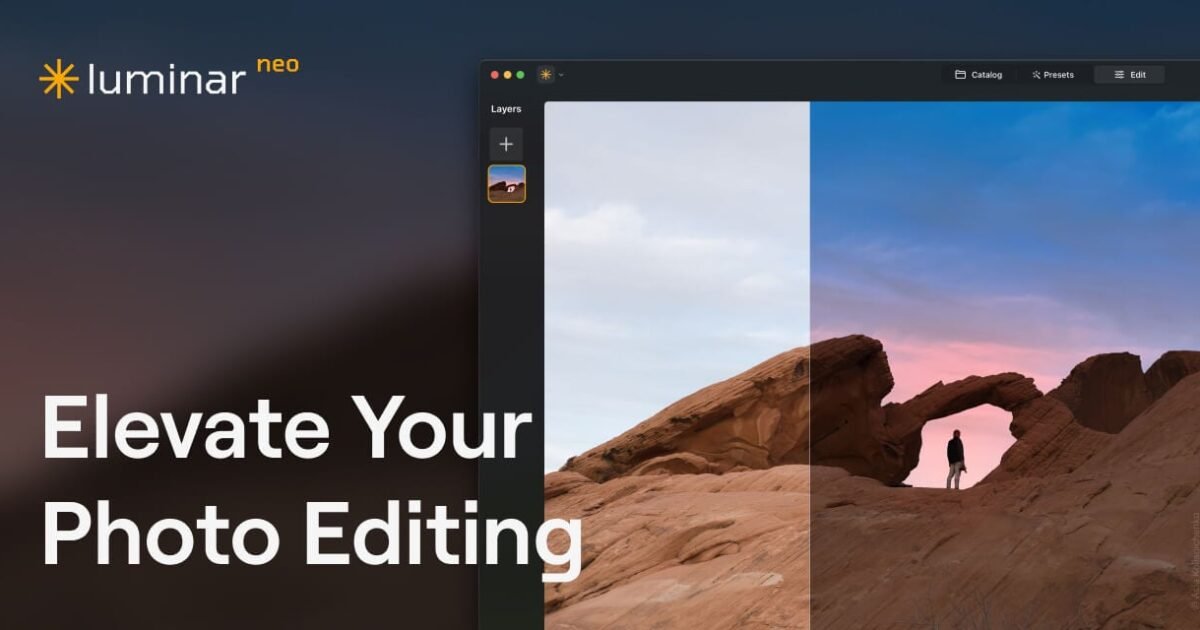
Luminar Neo skips the usual maze of sliders and layers. Instead, it hands you AI tools that do most of the grunt work: sky replacements, lighting fixes, background blur, all in a few clicks. The selling point is speed. Luminar NEO’s Sky AI tool swaps out dull skies and adds reflections that mostly pass for real. Accent AI tweaks lighting and color without asking you to babysit curves and contrast. Relight AI builds a depth map and lets you fix badly lit photos by virtually moving the light around. If you shoot backlit portraits, this one’s surprisingly useful. It runs as a standalone app or plugs into Photoshop, Lightroom, or Apple Photos. So if you already have a workflow, you don’t have to toss it. You just get new tools on top.
Key Features
- Sky AI for automatic sky replacement with scene relighting
- Accent AI combining 12+ adjustments in one slider
- Relight AI using 3D depth mapping for selective lighting
- Portrait Bokeh AI for artificial background blur
- Atmosphere AI for adding fog, mist, and haze effects
- GenErase for object removal
- Supersharp AI for image enhancement
- Batch processing capabilities
- RAW file support for all major camera brands
- Plugin compatibility with Photoshop, Lightroom, and Apple Photos
- Non-destructive editing with layers support
- 100+ manual adjustment tools alongside AI features
Pricing
Luminar NEO offers a Paid pricing model. Visit the official website for detailed pricing information.