What is Artlist?
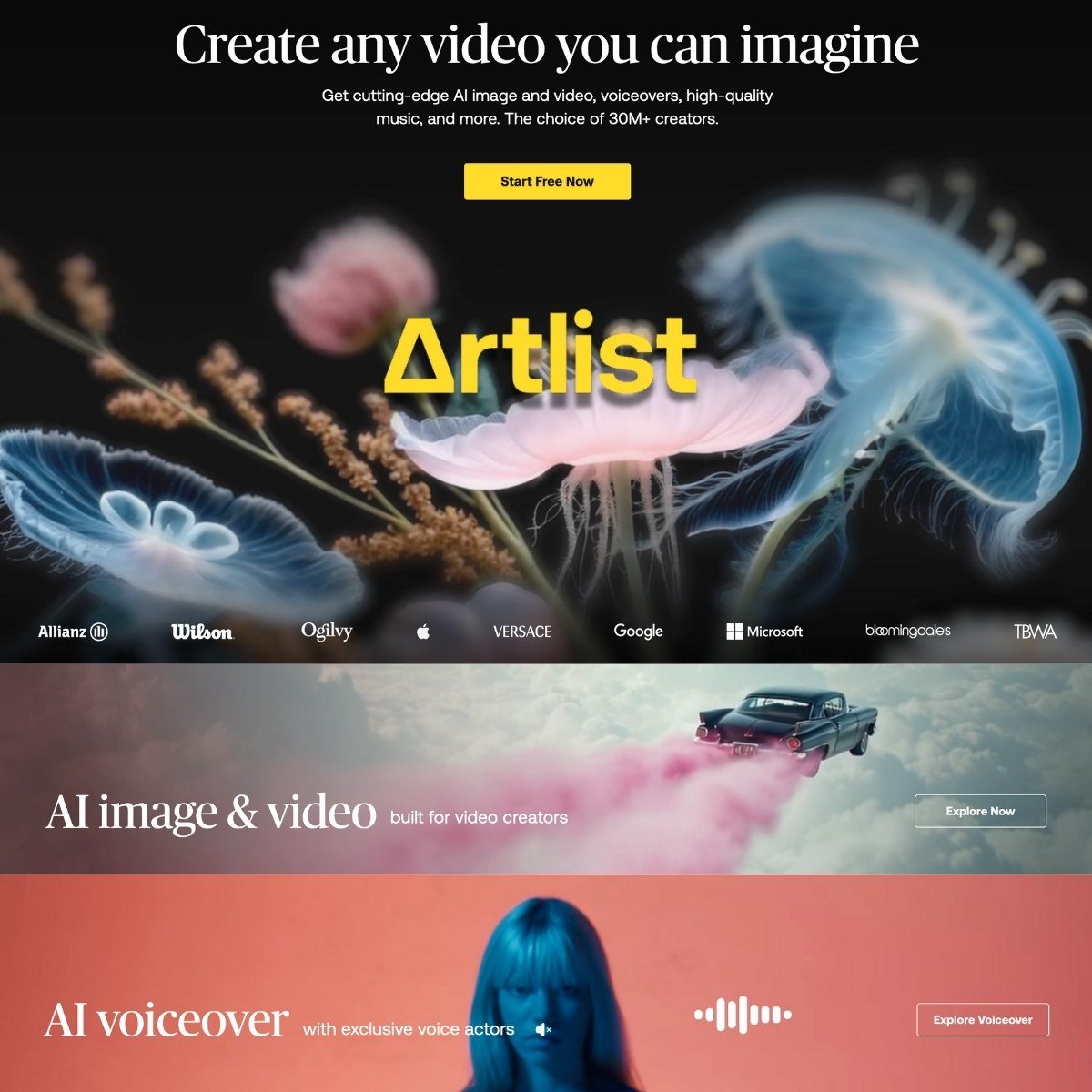
Artlist has been around for years as a royalty-free music and stock footage library, but it’s no longer just a place to grab a track or clip. It now comes with a full suite of generative AI tools: image, video, voiceover, and a creative asset library that’s very useful for people who make content for a living. If you’re a YouTuber, social media editor, in-house content team, or even a solo freelancer trying to produce polished client work without huge costs and studio time, Artlist is a solid option.
Key Features
- Text-to-image generation — You type in a prompt, pick a style, and it spits out a visual. Good for storyboarding, thumbnails, or quick concept art.
- Image-to-video animation — Basically animates a still image into a short clip. Don’t expect Pixar here—it’s more Ken Burns with flair than full 3D motion.
- Text-to-video generation — Similar to Runway, you can generate simple videos from a prompt. There are different model tiers (Lite to Pro), and results vary based on how ambitious you get.
- Voice cloning and TTS — You can type a script or upload your own voice, and it’ll re-render it using an AI voice. There’s decent emotion control (angry, sad, optimistic, etc. ), plus effects like “Vintage Radio” or “Walkie-Talkie. “
- Natural language search — You can look for clips and music by vibe, not just tags. For example, “sunset drone shot with mellow soundtrack” actually gets you somewhere.
- AI voiceovers as a Premiere Pro plugin — No need to leave your editor to generate narration.
- Artboards and AI suggestions — Organize visuals, then get curated asset suggestions that match your style or script. It’s like moodboarding with a brain.
- YouTubers and content creators who want one tool for visuals, music, and voiceover
- Agencies or brands creating explainer videos, ads, or social clips at scale
- Freelancers tired of juggling 10 different subscriptions
- Video editors using Adobe tools who want voiceovers without exporting anything
- Text-to-image generation with 20+ curated visual styles
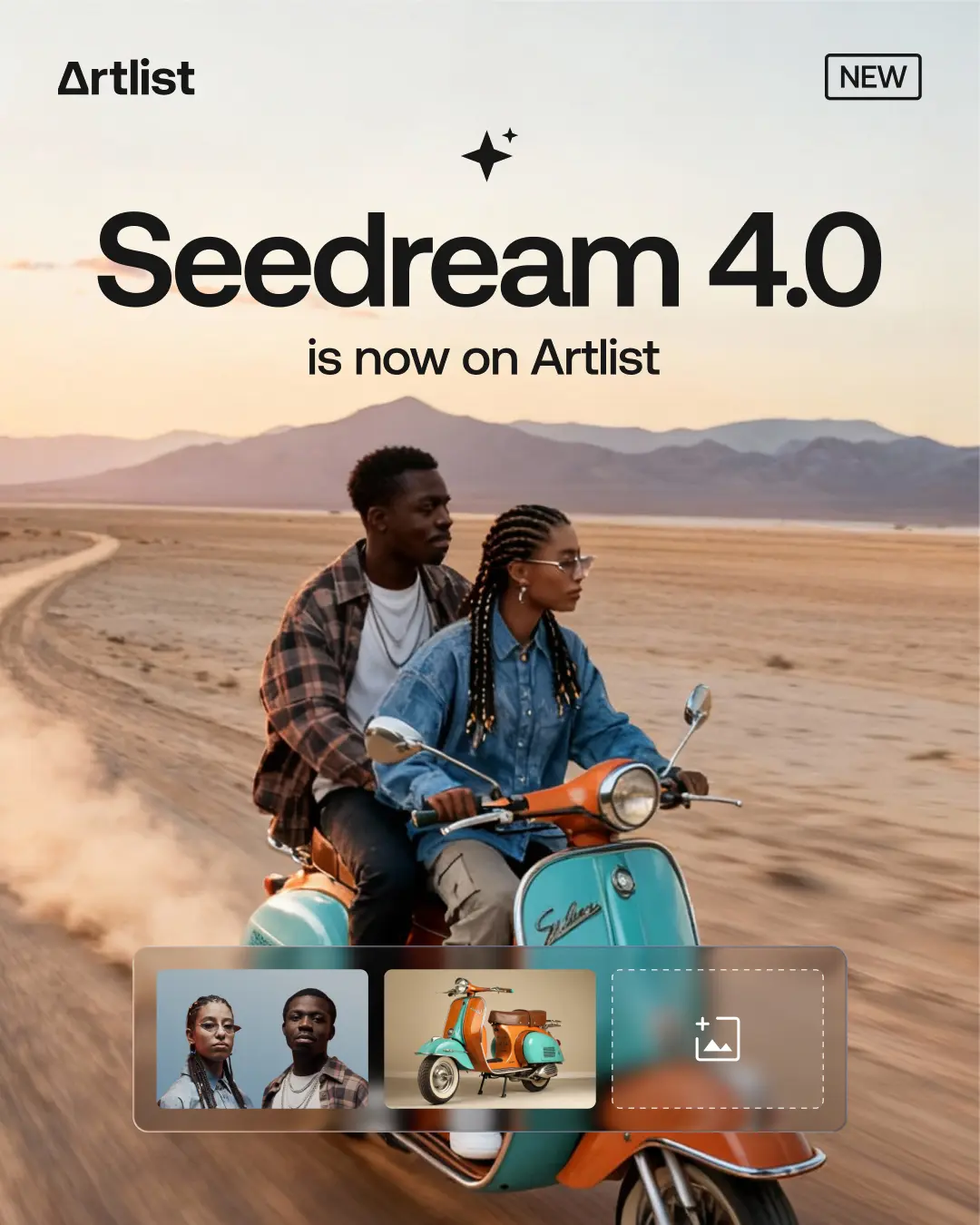
- Image editing and image blending (up to 3 images)
- Image-to-video animation (subtle motion clips from stills)
- Text-to-video generation with audio (Lite to Pro models)
- Text-to-speech voiceovers in 21+ languages with emotional tones
- Voice cloning and voice style transfer from uploaded audio
- Built-in voice effects (robotic, vintage, walkie-talkie, etc. )
- Adobe Premiere Pro plugin for in-editor voiceovers
- AI-powered asset search using natural language
- Artboards for asset organization and AI recommendations
- Commercial licensing included across all generated content
- Monthly credit system for generative features
Pricing
Artlist offers a Freemium pricing model. Visit the official website for detailed pricing information.