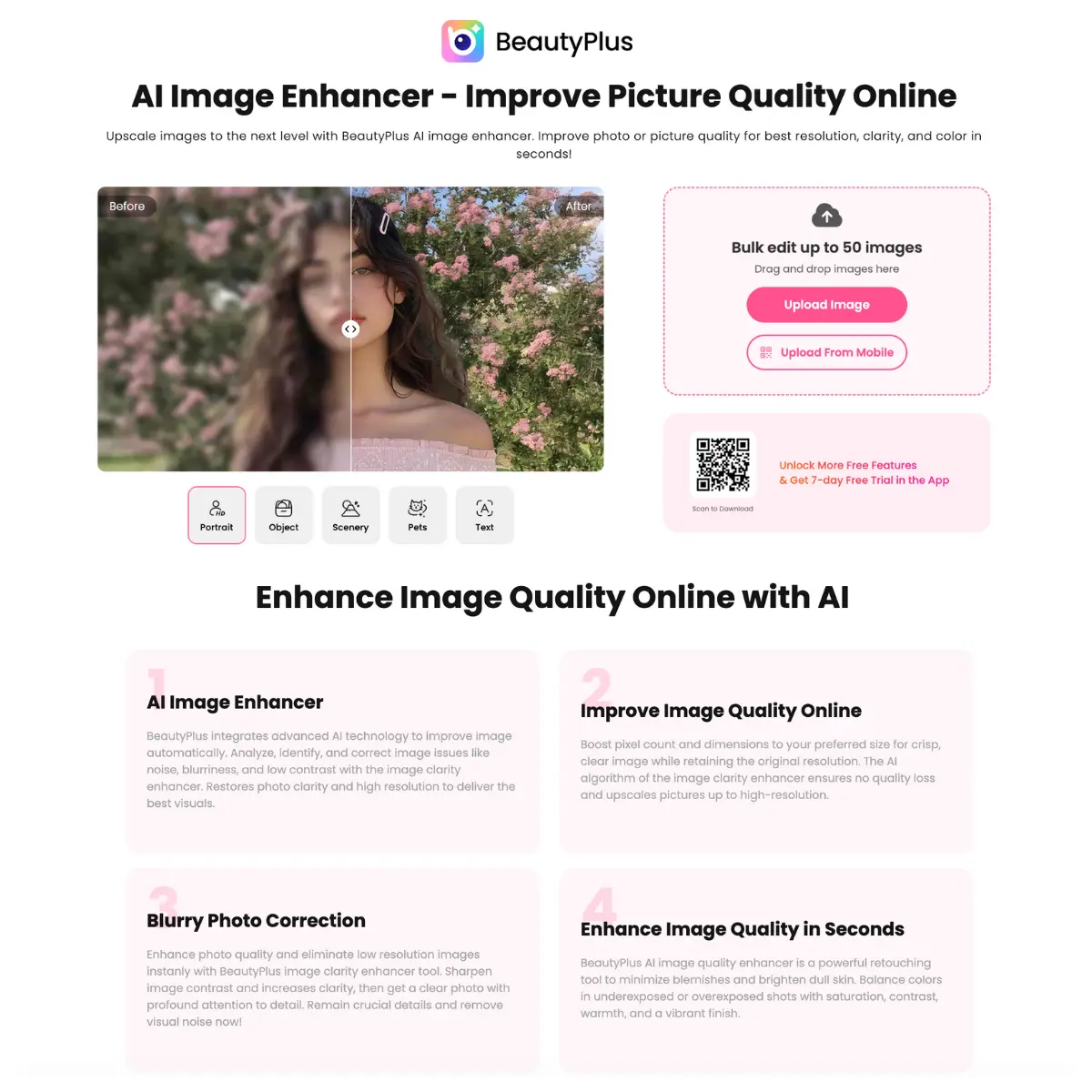
What is BeautyPlus AI Image Enhancer?
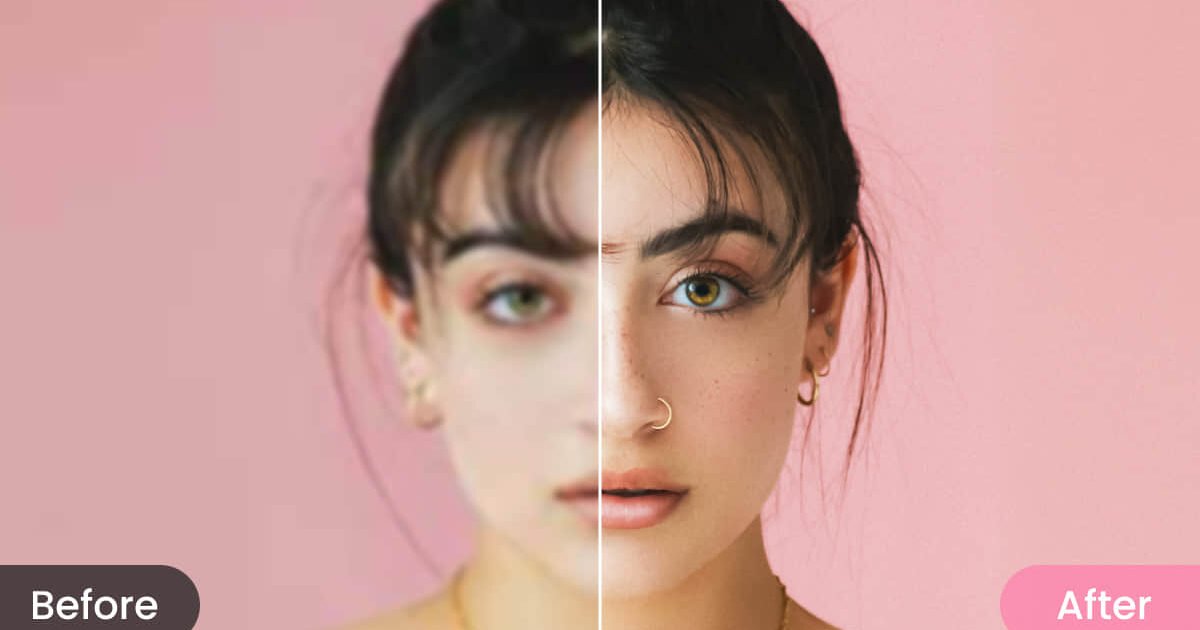
BeautyPlus AI Image Enhancerupscales photos to 4K resolution and fixes the usual suspects: blurry shots, grainy phone pictures, low contrast, dull colors, and noise. It’s all about upscaling and image enhancement. You upload an image, click a button, and get back a cleaner, sharper version. It’s built for people who take a lot of photos but don’t have time to mess with Lightroom sliders or Photoshop layers. BeautyPlus performs image enhancement tasks automatically. It addresses issues with low resolution, noise, and poor lighting. The software applies sharpening, increases pixel counts, and adjusts color balance without manual input. The system processes files quickly. You can upload a file and receive a modified version within seconds. And importantly, It modifies existing images rather than reconstructing them. The tool handles common problem images well. A photo shot in bad lighting. A scan of an old print. A screenshot with compression artifacts. These are the situations where AI actually helps instead of creating weird interpolated blobs. It works on JPG and PNG files up to 10MB. Ideal users: Marketers working with product shots that didn’t turn out sharp. Content creators doing bulk uploads benefit from batch processing. Photographers dealing with client photos taken in suboptimal conditions can fix them quickly. Anyone restoring old family photos gets decent results without learning new software. Ecommerce sellers with product photos that need a quality bump don’t need to hire someone. It’s straightforward. No presets to hunt through. No learning curve. The tradeoff is less control. You get what the AI decides, with minor adjustments for saturation and contrast afterward.
Key Features
- AI upscaling to 4K with noise reduction
- Batch processing of up to 50 images at once
- Automatic color and contrast correction
- Portrait mode with skin enhancement and blemish smoothing
- Object removal and background removal
- Background color swapping
- Video enhancement alongside photo tools
- Works in browser on desktop and mobile
- Free tier with 5 daily credits
Core Features
AI upscaling to 4K with noise reduction Batch processing of up to 50 images at once Automatic color and contrast correction Portrait mode with skin enhancement and blemish smoothing Object removal and background removal Background color swapping Video enhancement alongside photo tools Works in browser on desktop and mobile Free tier with 5 daily credits
Pricing
BeautyPlus AI Image Enhancer offers a Freemium pricing model. Visit the official website for detailed pricing information.