What is Dzine?
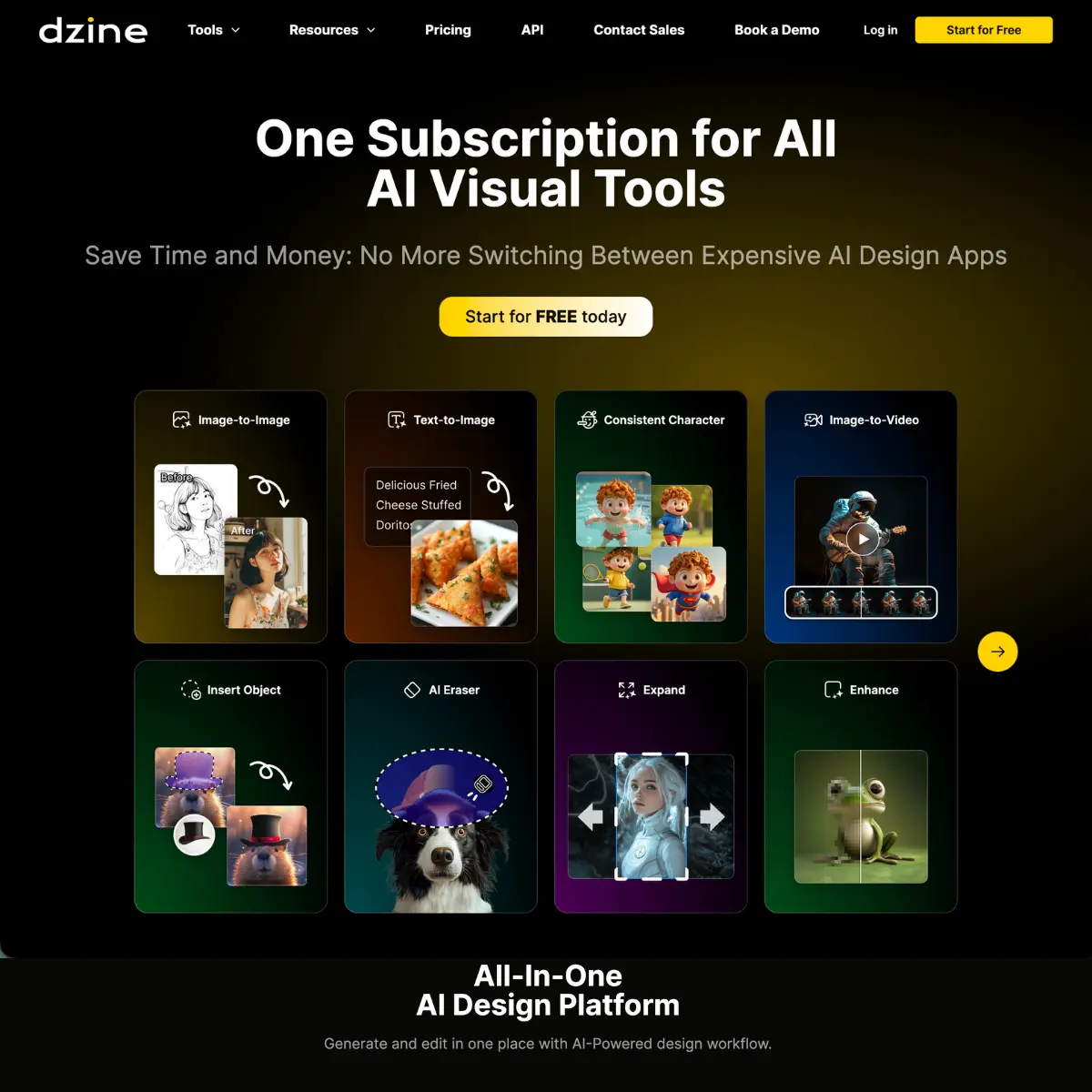
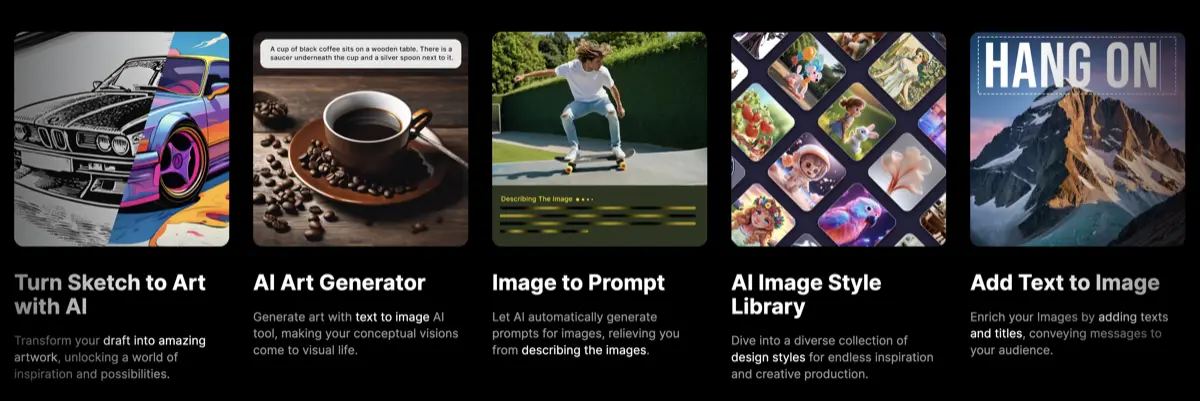
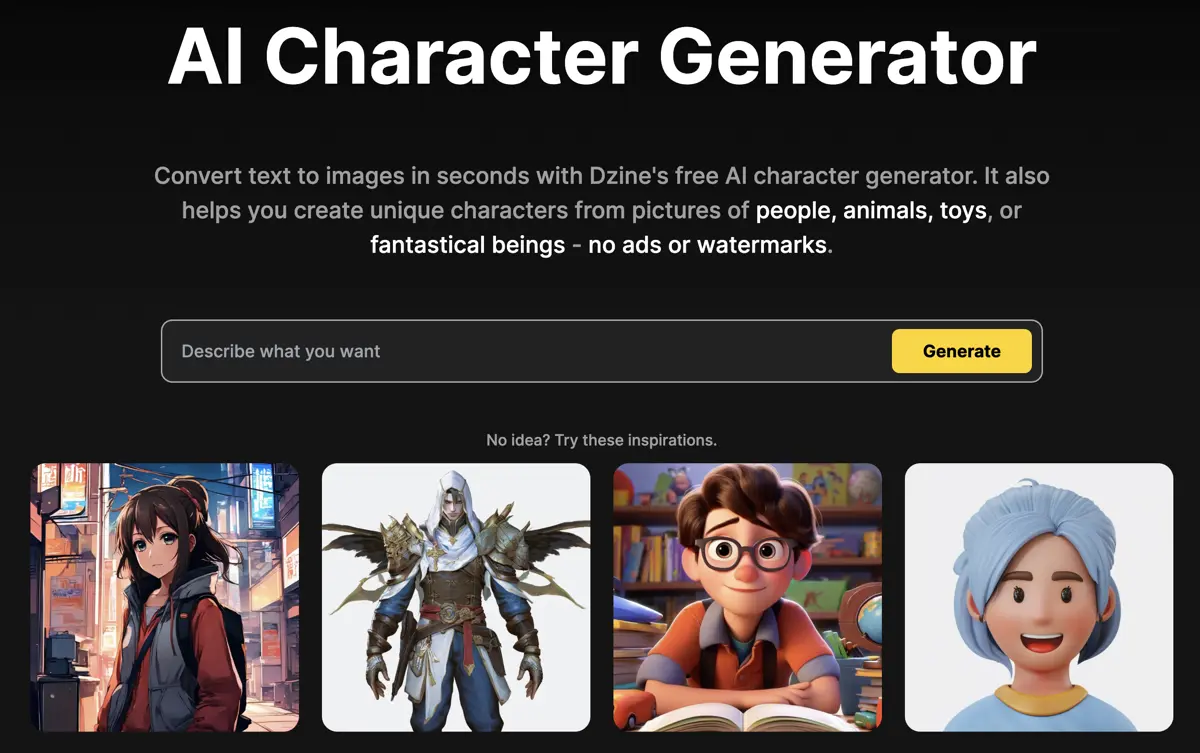
Dzine is a browser-based image editor that combines AI generation with manual editing tools. You get text-to-image and image-to-image workflows, object removal, background swapping, face manipulation, and a 2D-to-3D converter. The interface uses layers and canvas-based composition, which means if you’ve used Photoshop or similar tools, the workflow feels familiar. You have full control over the image design process. Many AI image generators are controlled by a text prompt only and the results can be wildly different to what you might expect. Dzine lets you drag elements around on a canvas, adjust style intensity and structure matching, and preview changes before committing. There’s a library of predefined art styles, so you don’t need to write detailed style prompts. Built-in GPT assistance generates prompts from plain language descriptions if you want it. Some of the unique features that matter: generative fill for editing specific areas by typing instructions, object removal that actually works on hair and complex textures, and an auto-selection tool that extracts elements as separate layers. You can export at up to 6144×6144 pixels in PNG or JPG. Character designers and game developers benefit from the 2D-to-3D converter and the ability to generate consistent characters across multiple images using the same style settings. If you’re churning out product photos for ecommerce or creating social content variations, the batch workflow saves repetition. Dzine works best if you want control over composition without touching Blender or spending hours learning Stable Diffusion parameters. It’s less useful if you just want quick AI image generation with minimal fussing. The learning curve is shallow compared to Midjourney or local WebUI setups, but you’re trading some flexibility for usability. The community runs on Discord, Instagram, Reddit, and YouTube. There are contests and collaborative projects, which matters if you care about seeing what other people create with the tool.
Key Features
- Text-to-image and image-to-image generation
- Layer-based canvas composition with drag-and-drop positioning
- Generative Fill for editing specific areas via text instruction
- Remove Object tool for cleaning unwanted elements from photos
- Background removal with one-click simplification
- Face Swap and avatar generation
- AI Photo Filter for cartoon and style conversion
- 2D-to-3D image converter
- Auto-selection tool to extract objects as separate layers
- AI Photo Enhancer for clarity and artifact fixing
- Sketch-to-art conversion
- Consistent character generation across multiple images
- Built-in GPT-assisted prompt generation
- Predefined style library for easy customization
- Export up to 6144×6144 pixels in high resolution
- AI text effects and logo design tools
Core Features
Text-to-image and image-to-image generation Layer-based canvas composition with drag-and-drop positioning Generative Fill for editing specific areas via text instruction Remove Object tool for cleaning unwanted elements from photos Background removal with one-click simplification Face Swap and avatar generation AI Photo Filter for cartoon and style conversion 2D-to-3D image converter Auto-selection tool to extract objects as separate layers AI Photo Enhancer for clarity and artifact fixing Sketch-to-art conversion Consistent character generation across multiple images Built-in GPT-assisted prompt generation Predefined style library for easy customization Export up to 6144×6144 pixels in high resolution AI text effects and logo design tools
Pricing
Dzine offers a Freemium pricing model. Visit the official website for detailed pricing information.