What is Eddie AI?
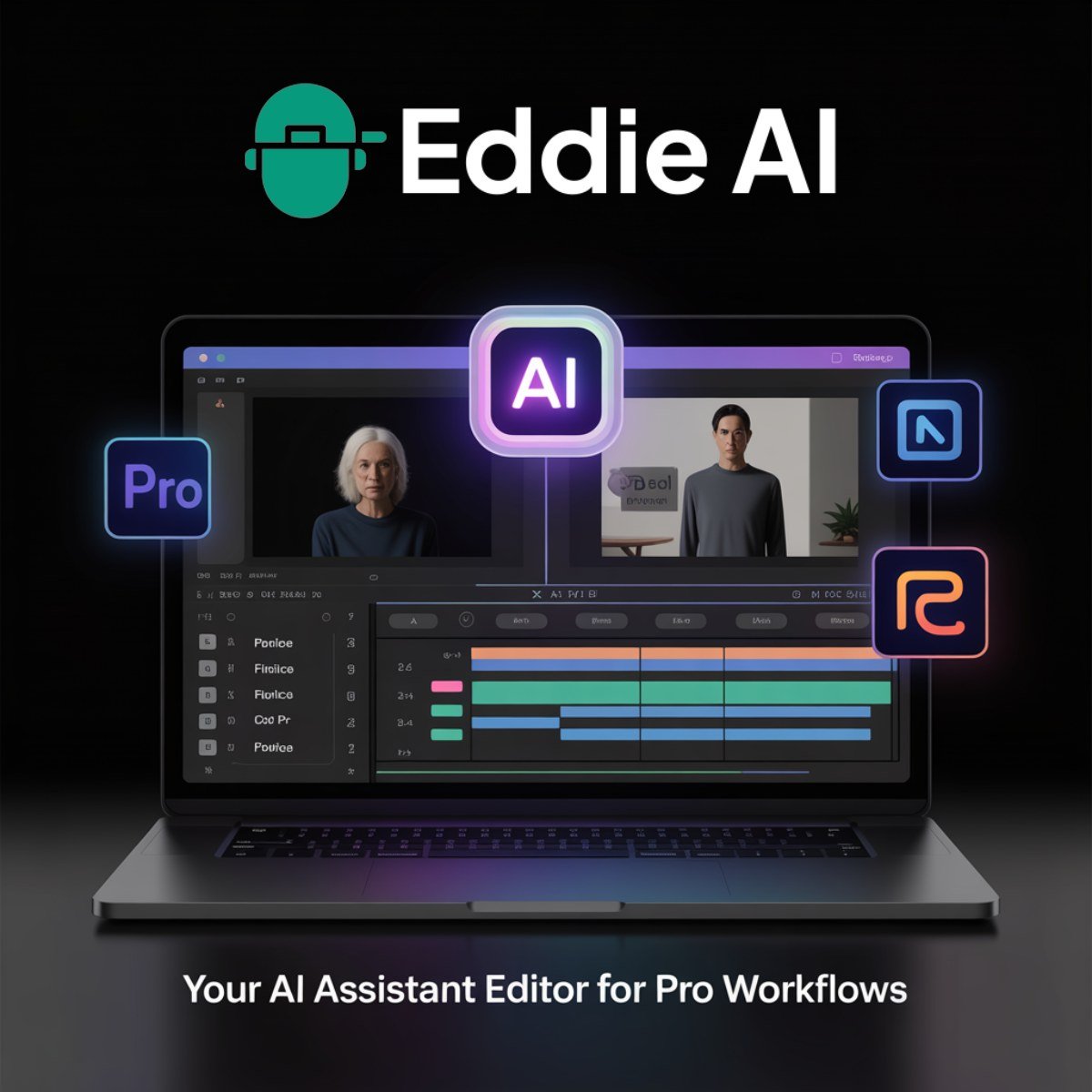
Eddie AI – Desktop Assistant Editor for Professionals Eddie AI is a downloadable assistant video editor built for professionals who edit longform video content: interviews, documentaries, podcasts, and promotional material. Eddie is a local app for Mac and Windows that integrates into professional workflows with support for Premiere Pro, Final Cut Pro, and DaVinci Resolve. This is not a “make a video in 2 minutes” gimmick. It’s an actual productivity tool designed to eliminate the grunt work of editing: logging, syncing, rough cuts, and clip tagging.
Key Features
- Desktop application for Mac (M1 & Intel) and Windows
- Imports interviews and generates rough cuts with AI
- Logs A/B rolls into searchable bins and stringouts
- Auto-selects podcast camera angles during editing
- Exports edit-ready files to Premiere or Resolve
- AI-powered B-roll tagging based on dialogue
- Fast turnaround on longform content
- Supports large file formats and pro codecs
- Longform interview editing
- Documentary assembly edits
- Multi-camera podcast productions
- Social media clip creation
- Corporate and branded video workflows
- Agency-level video post-production
- Freelance editors, documentarians, and agency post-production teams
- Podcasters with multi-angle setups
- Creators who need to turn long footage into usable content fast
- People working with professional NLEs, not mobile-first apps
- Works on your machine. No uploads or cloud lag.
- Strong integration with pro editing environments.
- B-Roll tagging and multicam editing are genuinely useful.
- Export formats are editing-friendly, not just final MP4s.
- Saves real hours in pre-edit workflow.
- 2 exports/month on the free plan with watermarks
- Requires existing knowledge of editing tools
- Limited value for creators who don’t work with longform or multicam
Pricing
Eddie AI offers a Freemium pricing model. Visit the official website for detailed pricing information.