What is Image Translator?
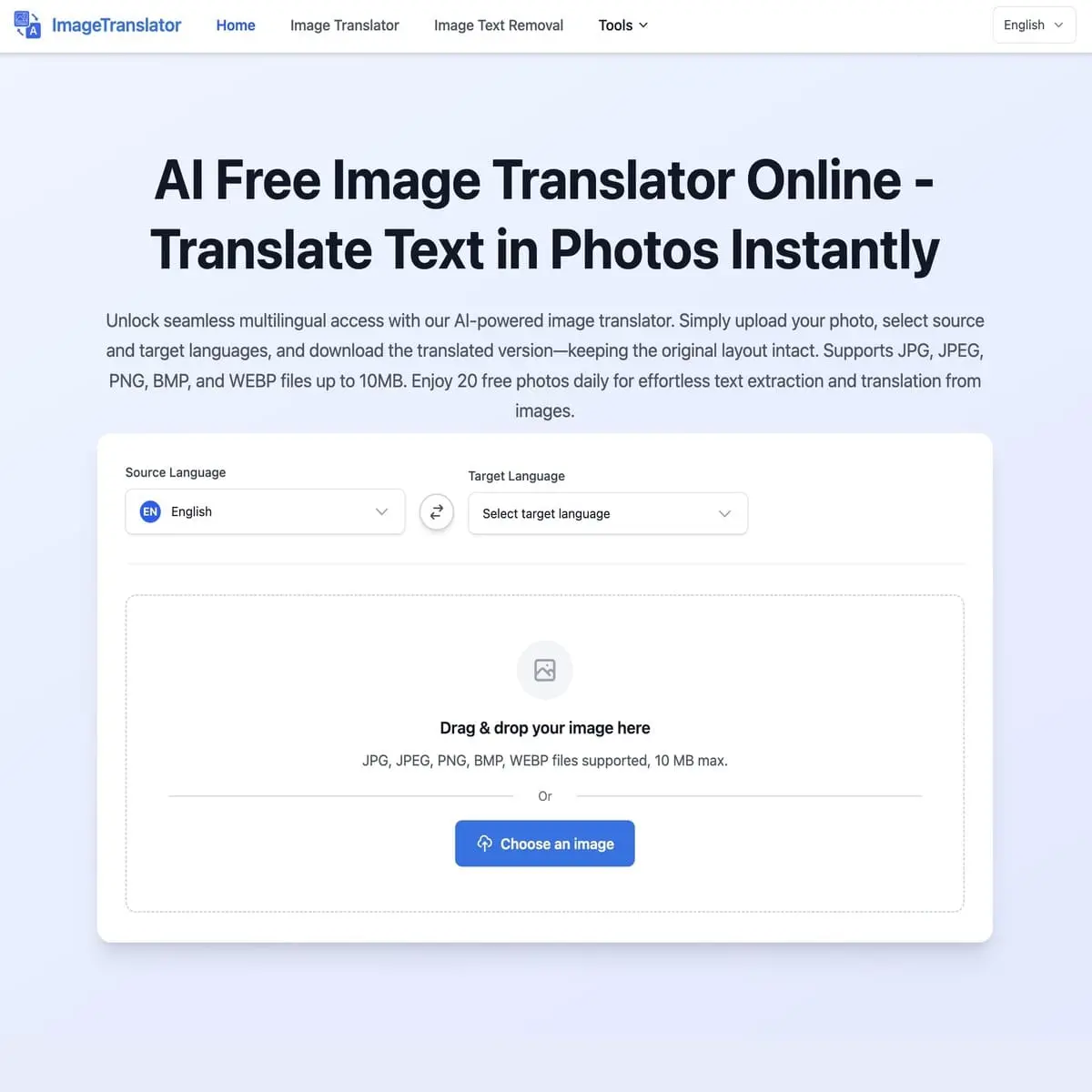
It’s often difficult to translate text from a picture on a desktop computer. ImageTranslator solves this problem by letting you drag and drop a file into the browser, where it can be processed right away. The design is simple and useful. You don’t need to sign up or make an account. Standard file types like JPG, PNG, BMP, and WEBP can be used with the tool. Optical Character Recognition (OCR) is used to get the text out of the file after you share it and choose the target language. The visual performance is the most important thing here. The software doesn’t make a text list. instead, it removes the original writing and puts the translation on top of it. This keeps the context of screenshots, diagrams, or instructions. There are limits to keep in mind. 10MB is the largest file size that can be uploaded. This is enough for online assets, but high-resolution scans might be turned down. The OCR engine works well with common fonts, but it’s not as good at reading handwritten notes or complicated artsy fonts. It’s a free service. Users can only upload 20 pictures per day, thanks to the developers. There are no paid plans, so this limit is there to keep the server from getting too busy, not to force people to buy something. Standard privacy measures are used to process files for the job at hand and not store them permanently. It works well for people who need visual information along with their readings. As a free image translate service, ImageTranslator supports common languages like English, Chinese, Japanese, Korean, German, French, and Spanish, along with a wide range of other languages, providing a comprehensive solution for image text translation needs.
Key Features
- Visual Layout Preservation: This feature replaces the original text with the translated version right on the picture to keep the structure of the document.
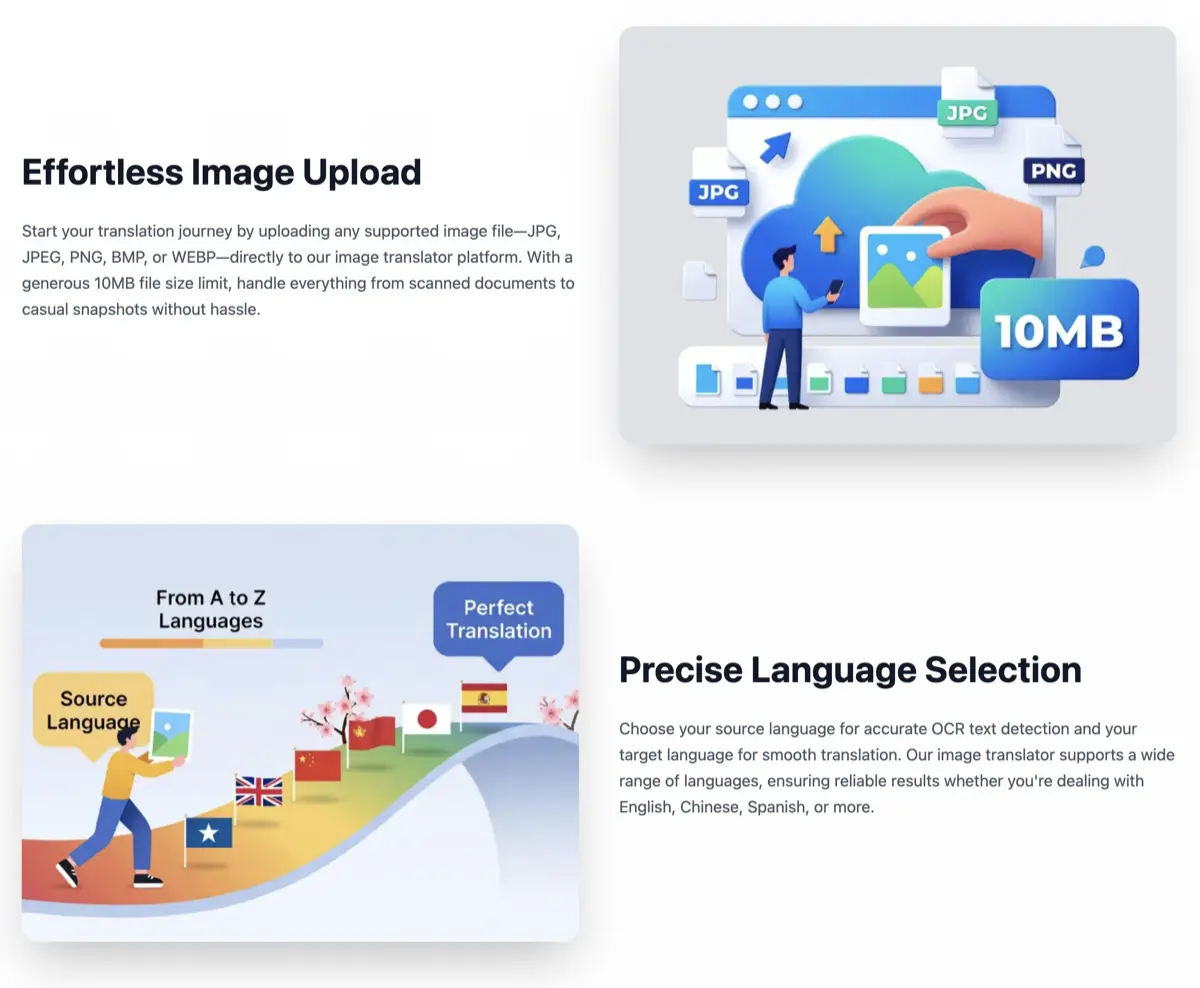
- Format Compatibility: It works with popular image formats like JPG, JPEG, PNG, BMP, and WEBP.
- File Size Limit: It can handle files up to 10 MB in size.
- Support for multiple languages: Can find and translate text in more than 100 languages.
- Data Privacy: Pictures are only used for the current task and are not saved on the server.
- Usage Limits/safeguards: A limit of 20 images per day prevents system overload without requiring payment.
Pricing
Image Translator offers a Free pricing model. Visit the official website for detailed pricing information.