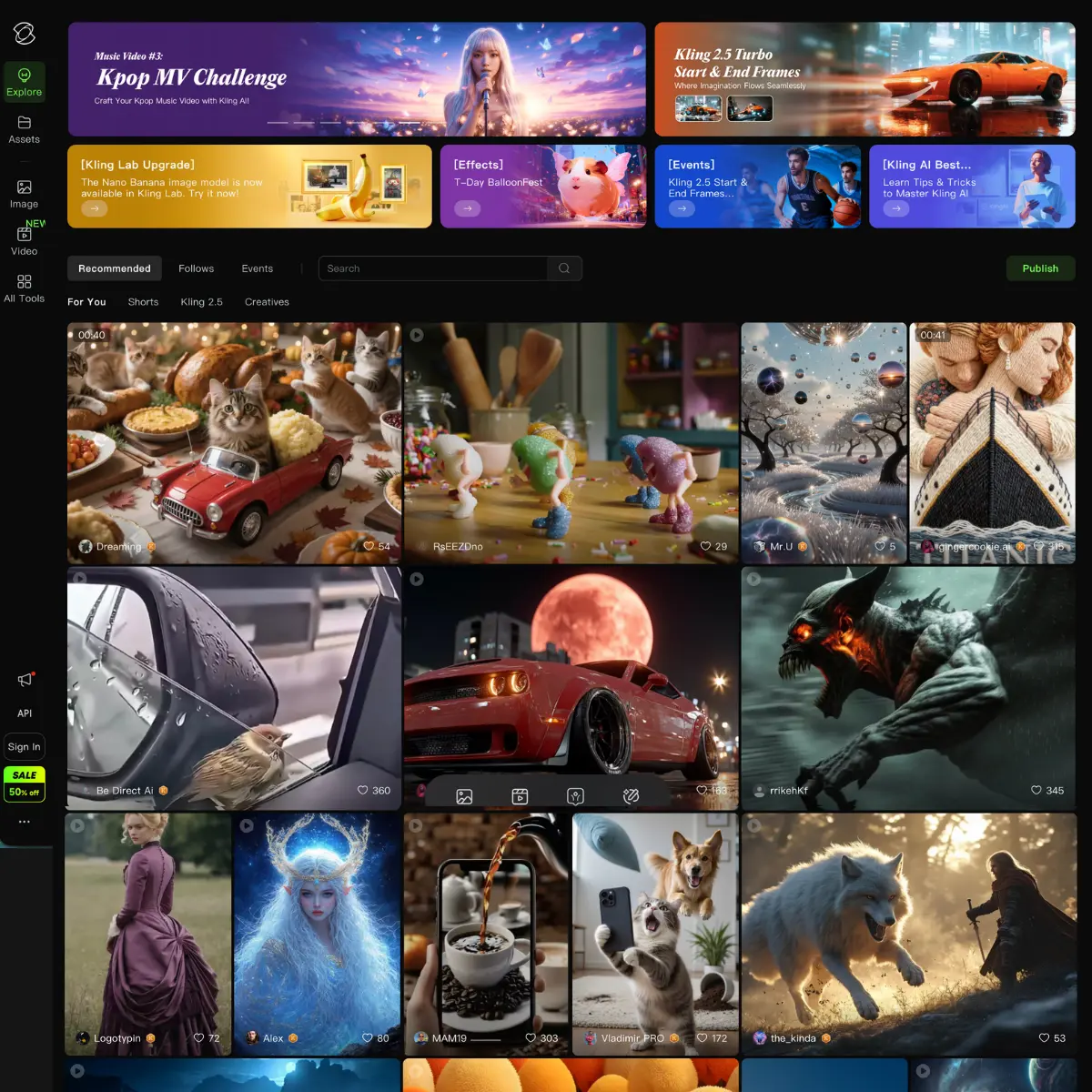
What is Kling AI?
Kling AI generates videos by typing prompts or uploading images. Its engine, a diffusion-based transformer with a 3D variational autoencoder, outperforms competitors. It comprehends physics better, as seen when asked to create a video of someone eating. Kling correctly identifies that the fork enters the mouth, not the cheek. It offers two main modes: Text-to-Video: Good for concepting from scratch. Image-to-Video: The real power user feature. You upload a mid-journey shot or a photo, and Kling animates it. This is where it shines for filmmakers who need specific aesthetic control. The most remarkable aspect of this tool is its control. Unlike most generators that operate like slot machines, where you simply pull the handle and hope for the best, Kling provides you with levers. You gain access to camera controls, including pan, tilt, and zoom, and a “Motion Brush” that allows you to paint over specific parts of the image you want to move. For instance, if you want the clouds to move to the left while the mountain remains stationary, you can precisely instruct the tool to do so. The consistency is also notable. With its Version 2. 1 update (released May 2025), Kling introduced better character referencing. You can feed it multiple shots of a character, and it does a respectable job of keeping their face recognizable across different generated clips. It’s not perfect–no AI is yet–but it’s usable for narrative work. Creators like “PJ Ace” note getting millions of views on single videos, and others mention using it for actual client work like commercials and music videos. It’s moved past the “look at this cool tech” phase into the “I can bill for this” phase. ℹ️ Things to keep in mind: The Wait: When a video goes viral or the servers get slammed, you will wait. Generation times can drag, and “server busy” errors are a thing. The Cost: This is a credit-hungry tool. You get daily free credits (usually around 66), which is enough to make about 6 short clips. If you’re serious, you’re paying. And like all generative AI, you will burn money on bad generations. You might spend $5 worth of credits just trying to get a hand gesture right. Kling AI is currently one of the strongest contenders in the video generation bracket. If you are an indie filmmaker, a marketer needing quick B-roll, or just someone tired of AI videos that look like fever dreams, this is the one to test.
Key Features
- Text-to-Video: Good for concepting from scratch.
- Image-to-Video: The real power user feature. You upload a mid-journey shot or a photo, and Kling animates it. This is where it shines for filmmakers who need specific aesthetic control.
- The Wait: When a video goes viral or the servers get slammed, you will wait. Generation times can drag, and “server busy” errors are a thing.
- The Cost: This is a credit-hungry tool. You get daily free credits (usually around 66), which is enough to make about 6 short clips. If you’re serious, you’re paying. And like all generative AI, you will burn money on bad generations. You might spend $5 worth of credits just trying to get a hand gesture right.
Pricing
Kling AI offers a Freemium pricing model. Visit the official website for detailed pricing information.