What is Trupeer?
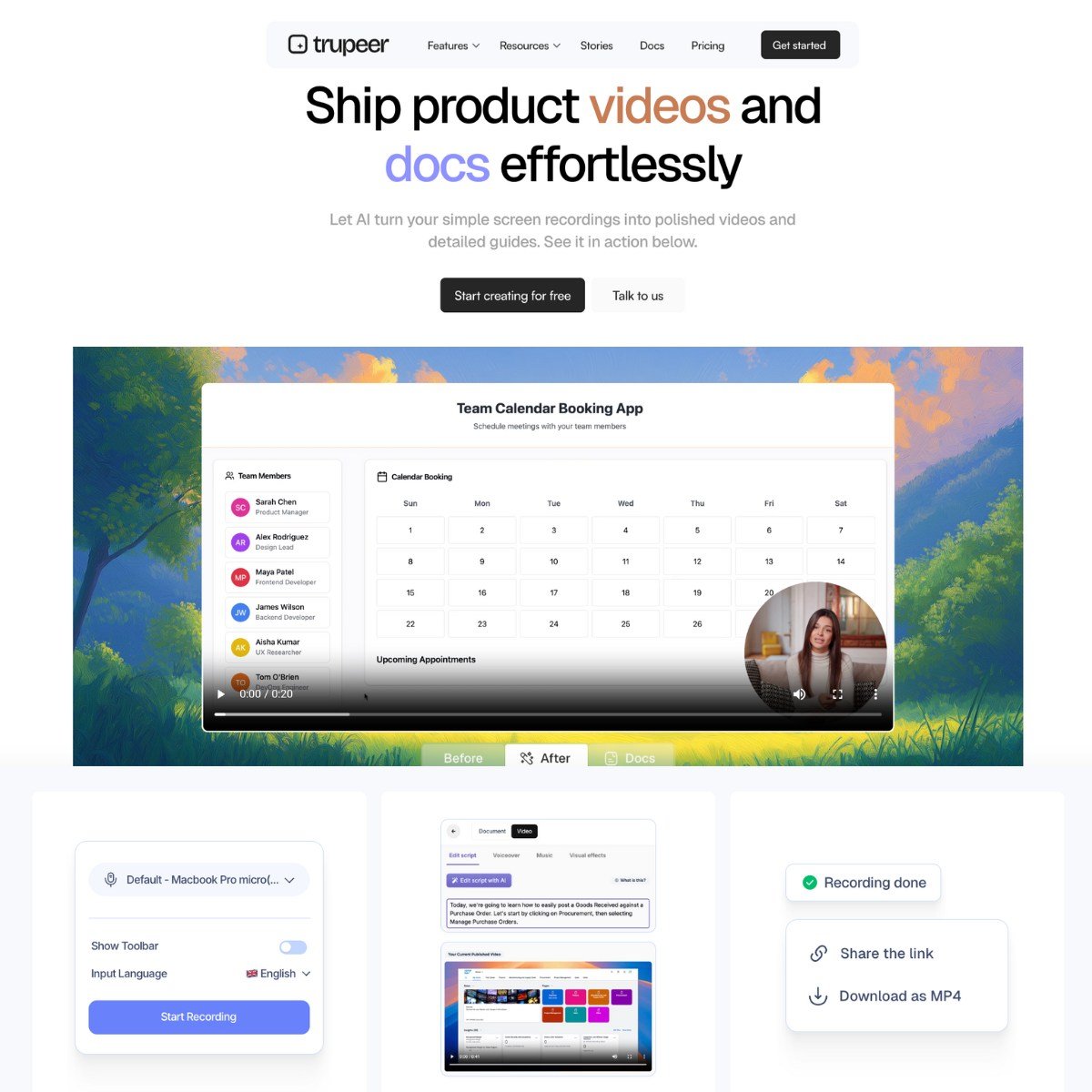
Trupeer: Product Teams’ AI-Powered Video and Documentation Tool Trupeer is a web-based application that converts screen captures into two formats: 1) pristine, well-produced product demonstration videos, and 2) detailed written documentation. The primary attraction is that it reduces the time required to complete tasks that typically take hours, such as creating help documents, writing scripts, and editing videos, to less than ten minutes. No camera is required. No professional voiceover. no prior documentation writing experience. Simply record your screen, and the tool will take care of the rest. You get branded templates, AI avatars, zoom effects based on mouse clicks, voiceovers in more than 100 accents, document export to PDF, DOCX, or Markdown, and auto-translated documents in more than 30 languages. This isn’t just another copy of Loom. It’s more akin to Loom + Scribe + Descript + Heygen combined into a single tool for product walkthroughs, sales, training, and onboarding.
Key Features
- Small teams without a full L&D department that need to ship onboarding documents.
- SaaS companies documenting workflows for users or support teams. mented for users or support teams by SaaS companies.
- Sales teams demoing features in multiple languages
- Indie hackers or solopreneurs making tutorials.
- Anyone switching to a more automated program in place of Loom, Scribe, or Descript
- Product videos featuring zoom effects, voiceover, background, transitions, and avatars.
- User guides that include formatting, text instructions, screenshots, and multilingual options.
- Script Editor – Edit the text in real time that determines the timing and narration of your video.
- Export Choices MP4 videos, Word, PDF, and Markdown documents, as well as links and embed codes, are all supported.
- Custom Branding – Use templates, create color schemes, and add logos.
- Script-based video editing is quick and easy to use. Timeline experience is not required. The entire thing changes when the words are edited.
- The AI voice quality is above average. It sounds more human than the usual robotic output.
- The screenshots in the auto-docs are precise and arranged logically.
- The branding tools (logos, colors) are better suited for teams. But they’re not essential if you’re solo.
- Everything can be translated, including synced text and audio, not just captions. In this field, that is uncommon.
Pricing
Trupeer offers a Freemium pricing model. Visit the official website for detailed pricing information.