What is Wondershare Filmora?
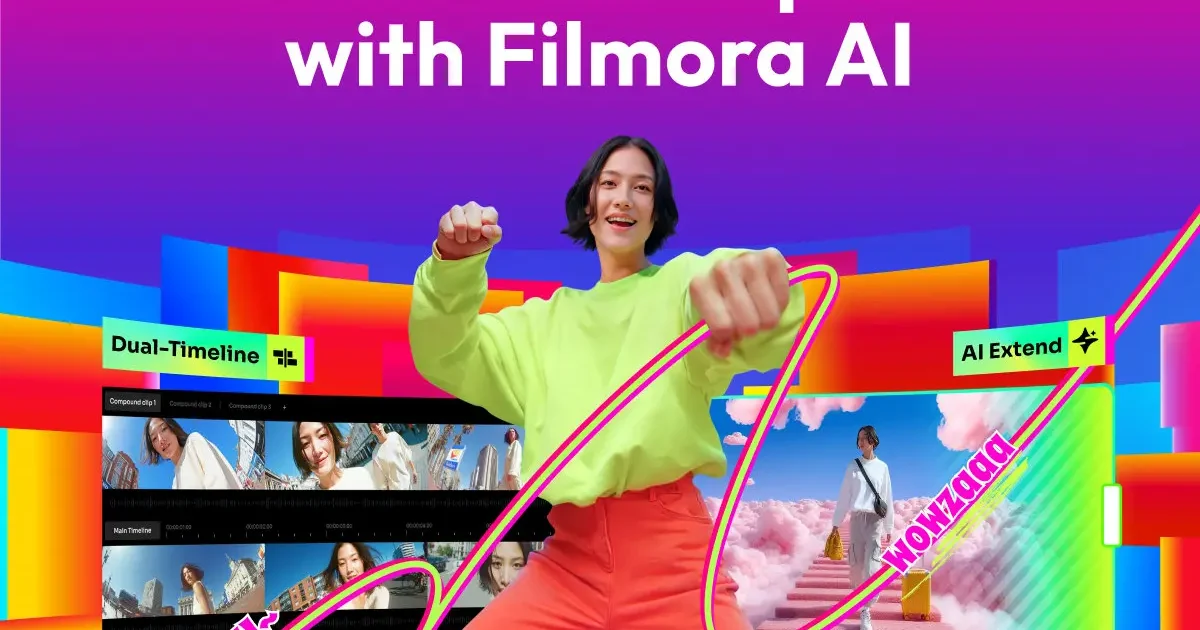
Wondershare Filmora occupies a very specific, and necessary, space in the editing world. It is the software you graduate to when iMovie or mobile apps feel too limiting. It’s an intermediate non-linear editor (NLE) that leans heavily on “drag-and-drop” functionality rather than deep technical configuration. For indie hackers, YouTubers, and small business marketing teams, this is often the sweet spot. You get the multi-track timeline and keyframing capabilities of pro software, but the heavy lifting, like masking or audio syncing, is automated by AI. One of the standout aspects of version 15 is how it uses AI to fix the mistakes common in “run-and-gun” shooting. If you are filming product demos in a noisy coffee shop or recording interviews with an echo, the AI Audio Denoise and DeReverb tools are surprisingly effective. The AI Smart Cutout and AI Portrait features are particularly useful for product videos. They allow you to remove backgrounds or isolate subjects without needing a physical green screen or hours of manual rotoscoping. The workflow is fast. Features like Dynamic Captions (which auto-transcribe and animate text) and Silence Detection (which cuts out dead air) are designed purely to shave hours off the editing process. It’s not the tool for editing a feature film, but for turning out three high-quality TikToks or a YouTube tutorial in an afternoon, it is highly efficient.
Key Features
- AI Smart Cutout: Selects and masks objects or people frame-by-frame automatically, removing the need for manual masking or green screens.
- Silence Detection: Scans your footage for pauses and automatically cuts them out, ideal for tightening up “talking head” videos or podcasts.
- Dynamic Captions: Automatically transcribes spoken audio into editable, animated on-screen subtitles to boost retention on social feeds.
- AI Audio Stretch: Intelligently retimes music tracks to fit the exact length of your video without jarring cuts or fades.
- Motion Tracking: Allows you to attach text, graphics, or effects to a moving object in the video.
- Multi-Cam Editing: Syncs footage from different cameras using audio waveforms, allowing you to switch angles in real-time.
- Instant Mode: A template-based system where you feed in media, and the software generates a finished video with music and effects (best for quick social recaps).
- Pen Tool & Keyframing: Provides manual control over masking shapes and animation paths for users who want to go beyond the presets.
Pricing
Wondershare Filmora offers a Freemium pricing model. Visit the official website for detailed pricing information.